Try AURA before it launches

The AURA apps for iPhone and Android are in beta. Install a test version on your phone, use it day to day, and tell us what works and what doesn't.

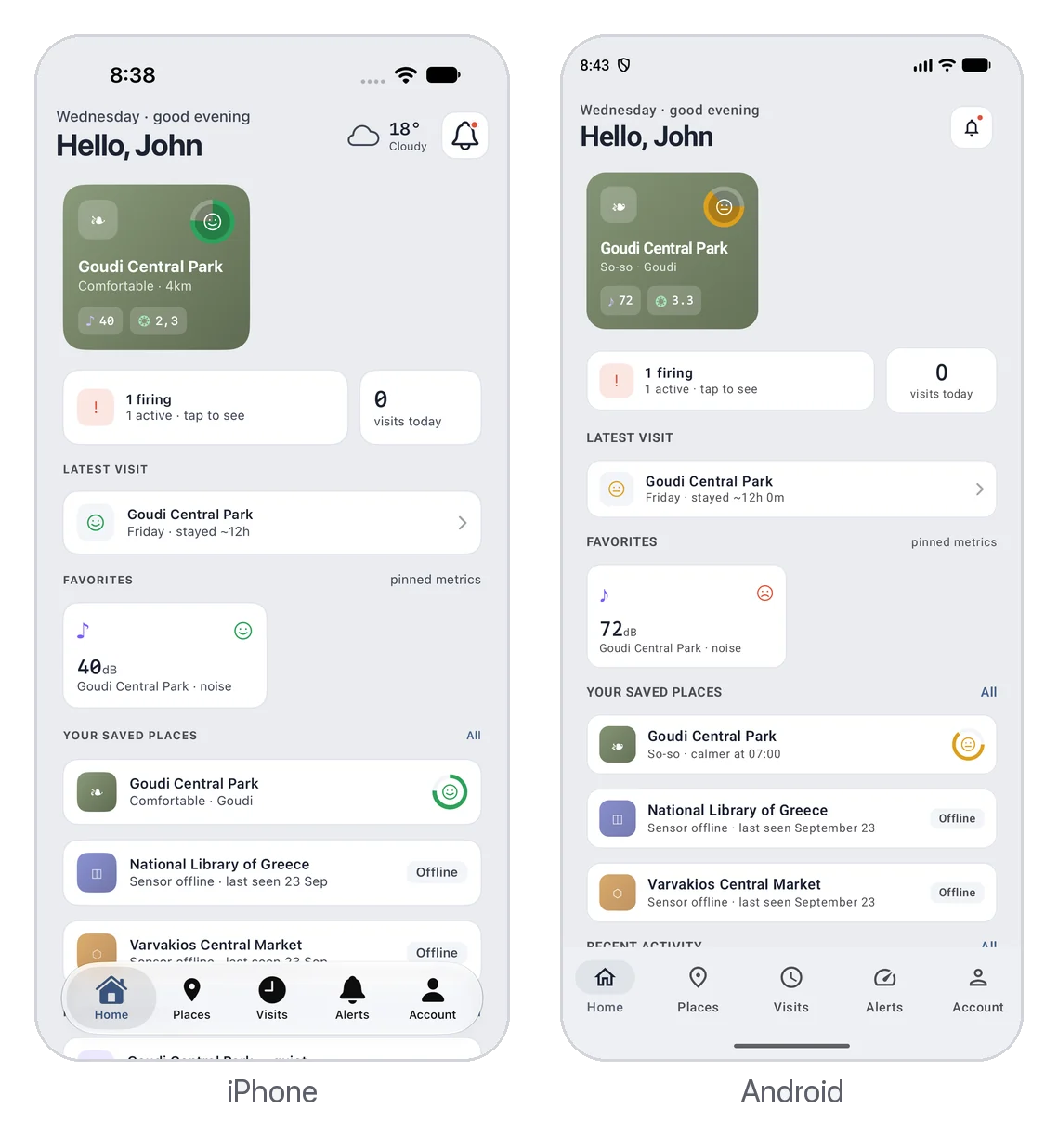
AURA's Home screen on an iPhone and on an Android phone, side by side

iPhone

iOS 18 or newer · through Apple's TestFlight

  1. Install TestFlight from the App Store — it's free, by Apple.
  2. Open the beta link on your iPhone and tap Accept, then Install.
  3. Open AURA and sign in with your AURA account.
  4. New versions arrive in TestFlight; tap Update, or turn on automatic updates.
Join the iPhone beta

Android

Android 8.0 or newer · through Firebase App Distribution

  1. Open the beta link on your phone and sign in with your Google account.
  2. Install the App Tester app when asked, then download AURA from it.
  3. When Android asks, allow installs from this source and tap Install.
  4. Open AURA and sign in. You'll get an email and a notification for each new version.
Join the Android beta

Telling us what you find

  • On iPhone, take a screenshot in AURA and choose Share Beta Feedback — it comes straight to us.
  • On Android, pull down the notification shade while AURA is open and tap “We want your feedback!” — it takes a screenshot of the screen you were on and opens a short form.
  • Say what you did, what you expected and what happened instead; a screenshot helps a lot.
  • Crashes are reported to us automatically, so you don't need to write them up.

Anything else: write to us

Are your sure about it?

If you want to proceed with this action, confirm below;